Note: this functionality currently requires the GDPR or job portal to be active.
If you would like your contact details to be publicly accessible to candidates, you can use the Octavia CRM portal to host them.
Add via Account Details
If you visit the account details section in the Settings page, you can add all the contact details you would like a candidate to see:
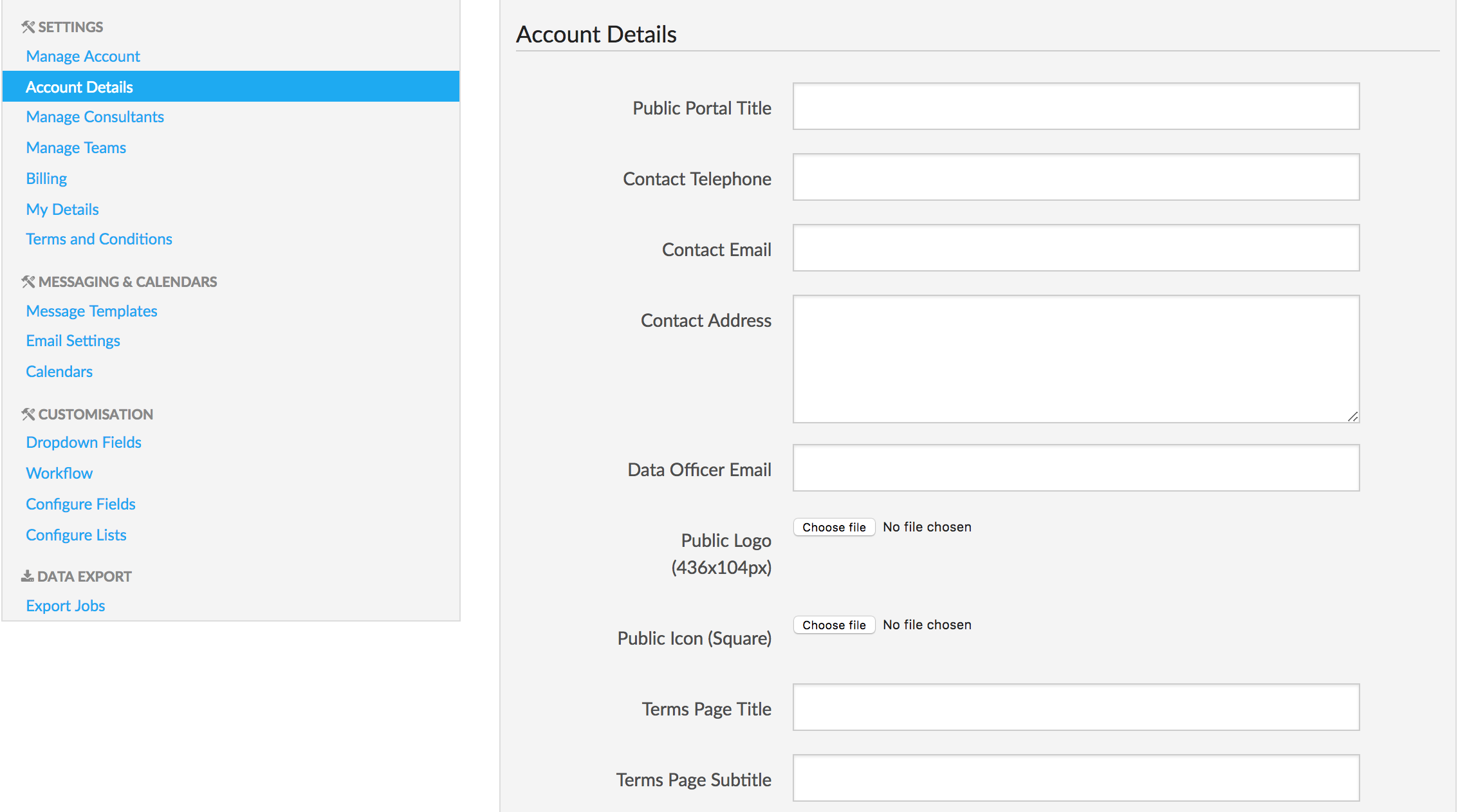
If you hover over the label, you will get a little more information on what each field represents. If you fill in the fields:
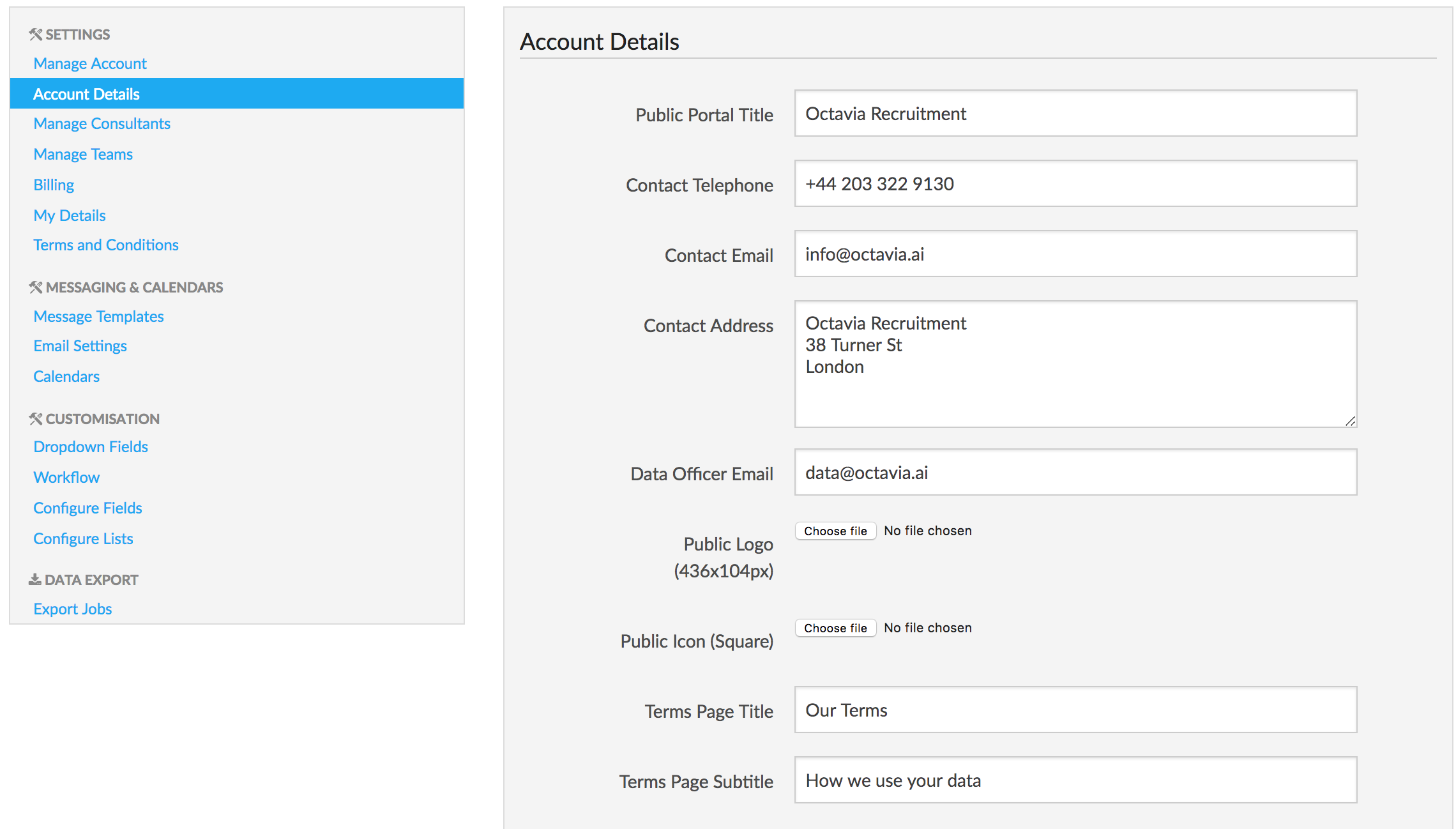
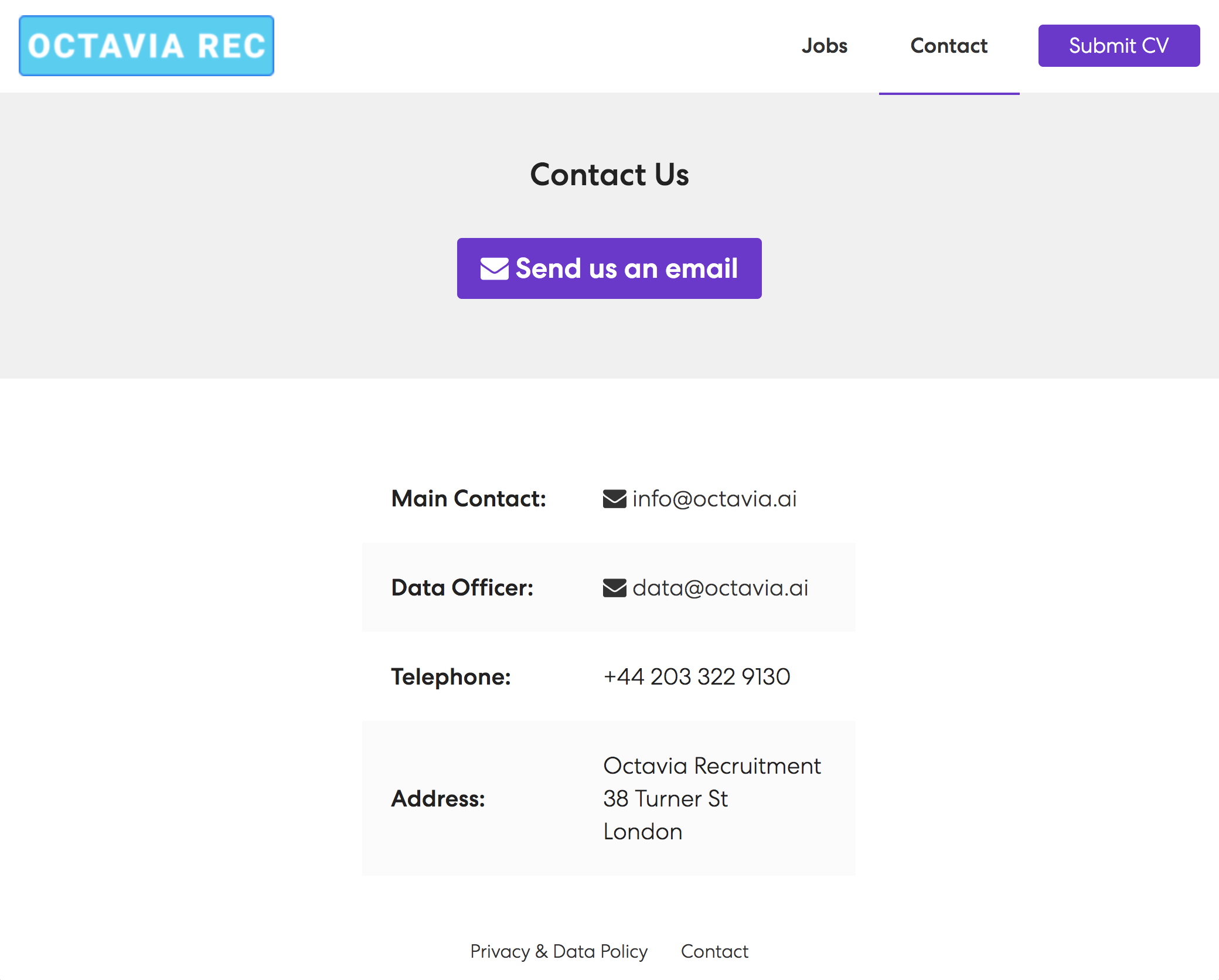
You can then save this and preview it on your portal (access the portal from the dropdown top right of the CRM) using the Contact link: