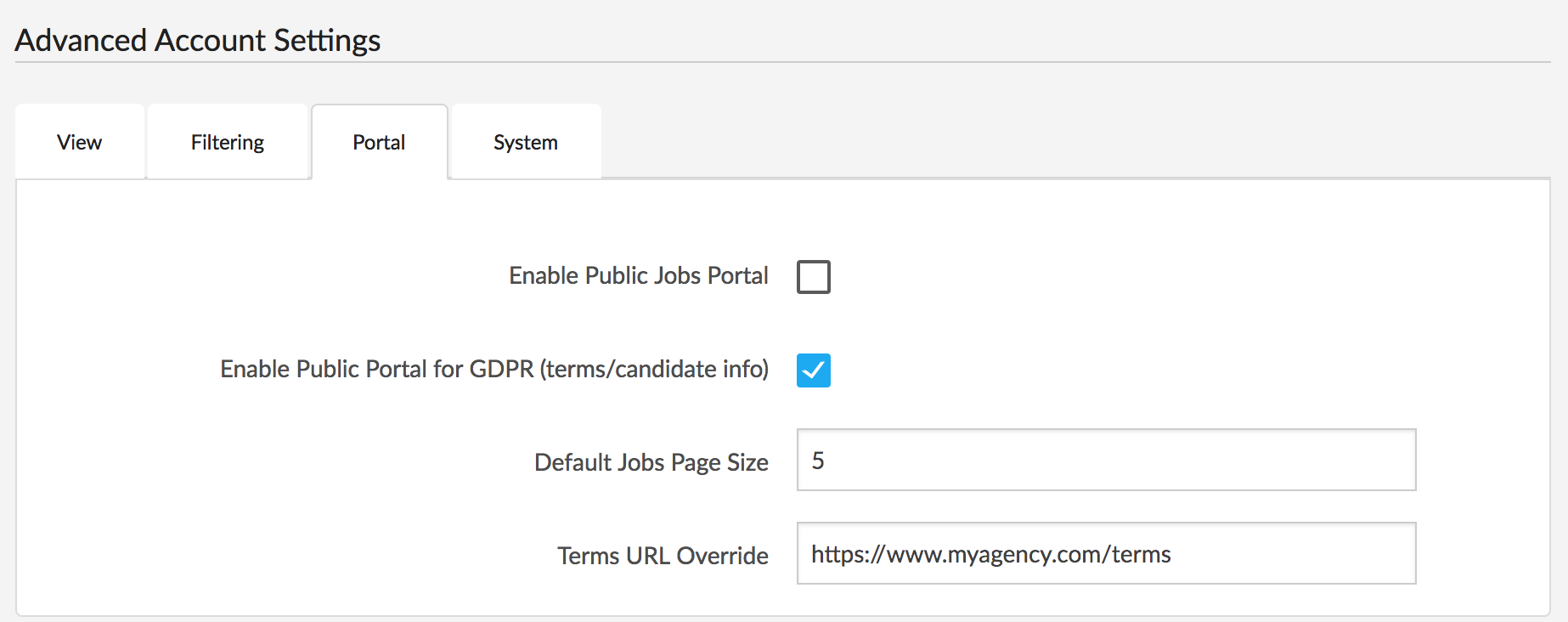
Note: to access this functionality you need to have either the public jobs portal or GDPR portal active.
If you would like your terms of service and/or privacy policy to be publicly accessible to candidates, you can use the Octavia CRM portal to host them. Alternatively you can set a link to an externally hosted terms page (see below).
There are two ways to add your terms:
Add via Account Details
If you visit the account details section in the Settings page, you can add a terms page title and subtitle, and then a rich text version of the terms body:
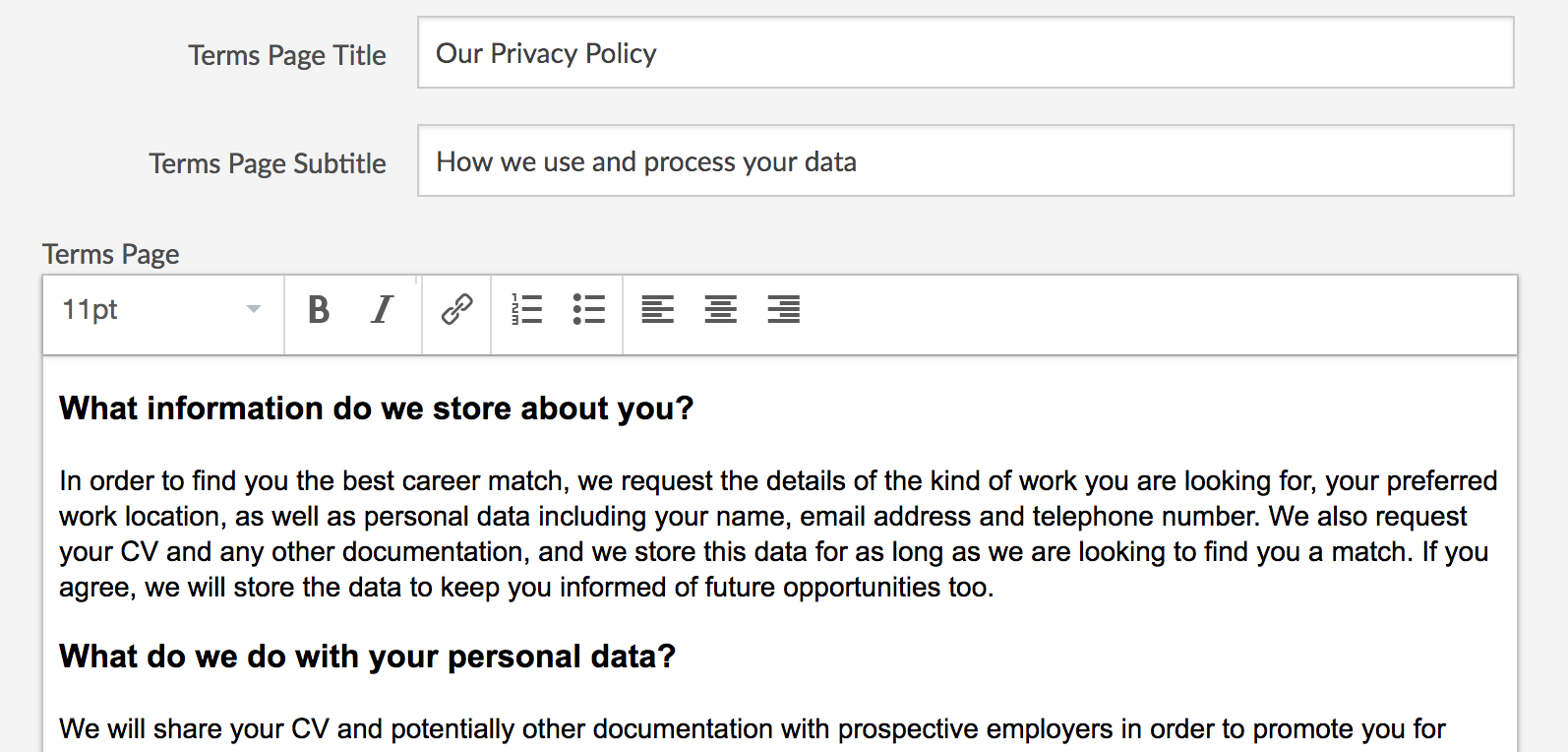
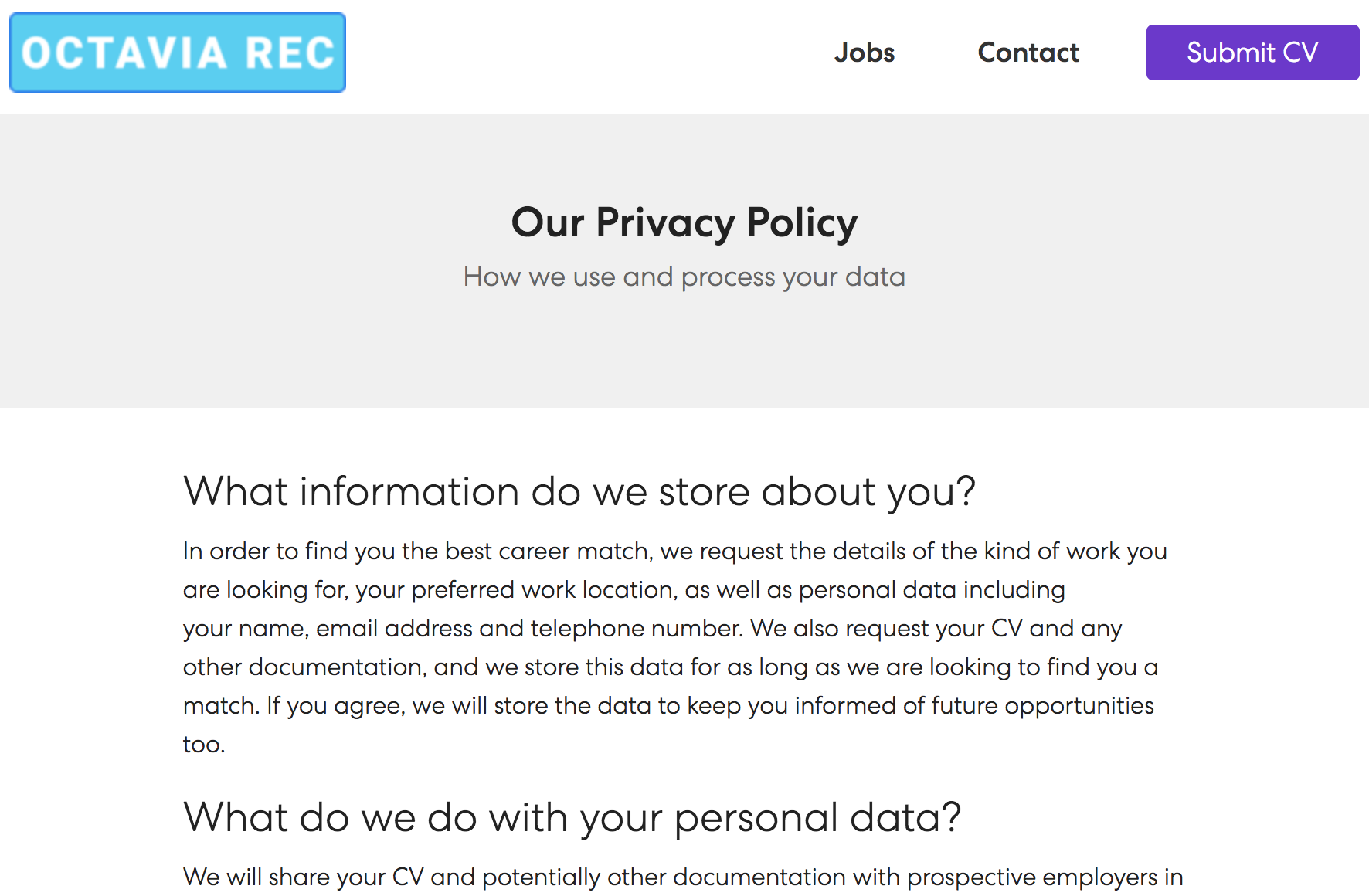
You can then save this and preview it on your portal (access the portal from the dropdown top right of the CRM), and the privacy policy link is always in the footer:
Add Directly in the Portal
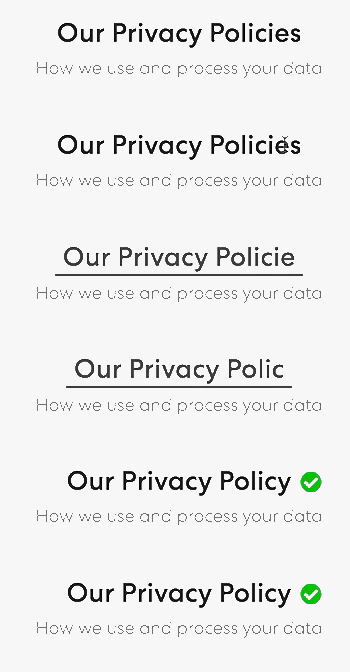
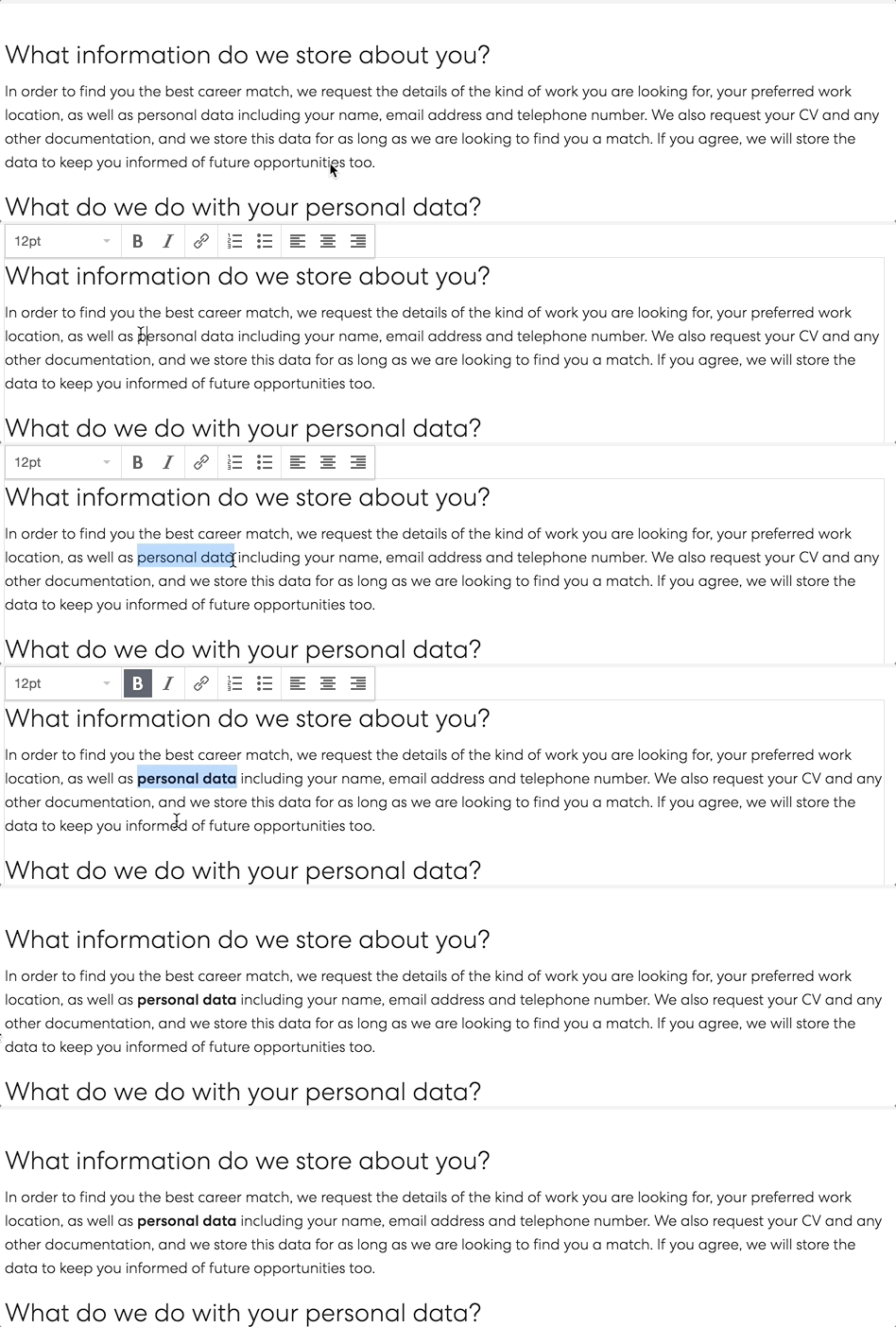
Alternatively, if you visit your portal while logged in, you can create or edit everything inline: just click in the fields and edit as necessary:
Using an externally hosted terms page
If you have a terms page on your website, you can update all of our internal links to point to this in the settings – head to the account details page, and under portal you can add a Terms URL Override: