The information commissioner’s office (ICO) has a checklist to follow to meet this obligation.
How it works in Octavia
To comply with the GDPR, you must if requested remove all personal data for a candidate: rather than destroying a complete record and all of the statistics and KPIs around that candidate, we anonymise the record while leaving the statistics intact.
For example, if Joe Bloggs is a candidate, and requests his data be deleted: if Joe is put forward for a role at ACM1, then post-deletion, any workflows related to Joe will simply say Candidate 1234 ~ ACM1 – you will no longer be able to see any of Joe’s personal information, but we do store an encrypted version of his email address in the system (that we can’t decode to retrieve his email) that won’t allow the same email address to be used for a new candidate.
How to use it
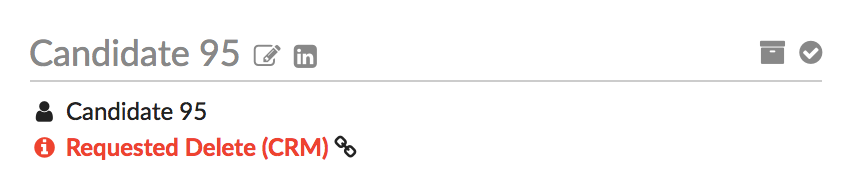
You can give a candidate access to the personal data and documents you have by generating a secure link for them. This link will allow them to request deletion of their data – this does not automatically delete their data: instead, it flags them in the system, and sends an email to the owning consultant (or account owner if there’s no owning consultant) informing them of the delete request.
If you get an offline request for deletion , you should mark them as Requested Delete in the CRM: just edit the candidate, and set the Opt-in status to Requested Delete.
Actually Deleting the Data
Now, if there are any pre-deletion audit procedures, they should be followed, and once completed, the owning consultant can visit the candidate profile and click the DELETE DATA button:

You will be asked to confirm, but once the deletion is done you will see something like the following: