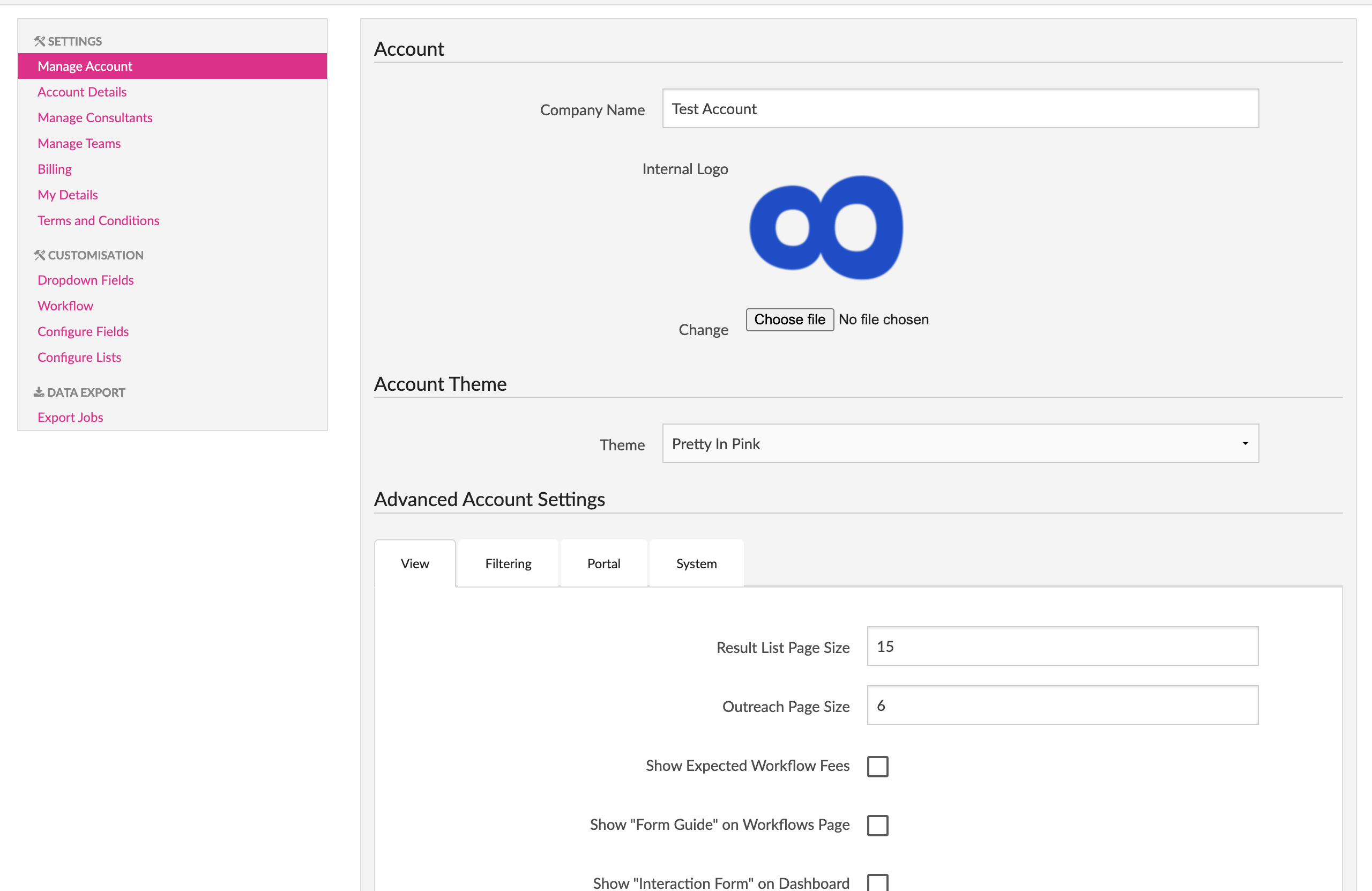
To configure your account go to the “Settings” screen and from the left sidebar click the “Manage Account” item to take your to the “Account” screen, which will allow you to configure various settings regarding the overall company account.
Depending on your permission level you may or may not be able to change some of these fields.
The standard fields that you can change are the company name, company logo (will appear in the top left corner of the menu bar) and the basic color scheme of the account.