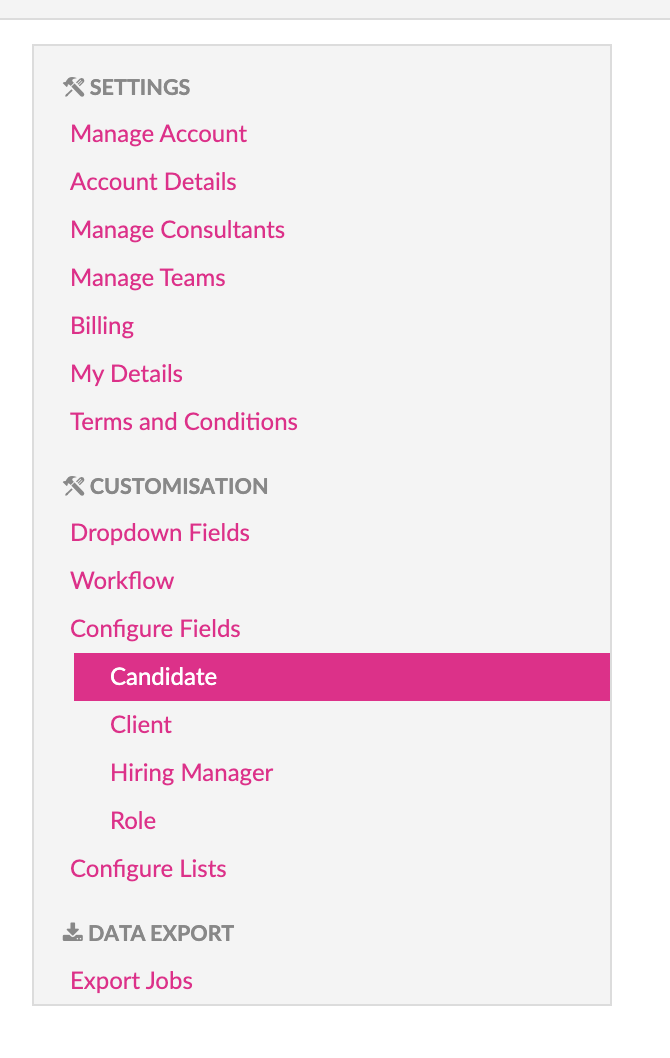
To customise your account go to the Settings and Customisation screen. Among other things the Customisation screen allows for customisation of the fields shown on the input and view screens of all Candidates, Roles, Clients and Hiring Managers.
Each one of the item types have their own customisation screen which you will find on the “Settings” screen under the “Configure Fields” item on the left menu bar.
Clicking any of them will open the matching customisation screen.
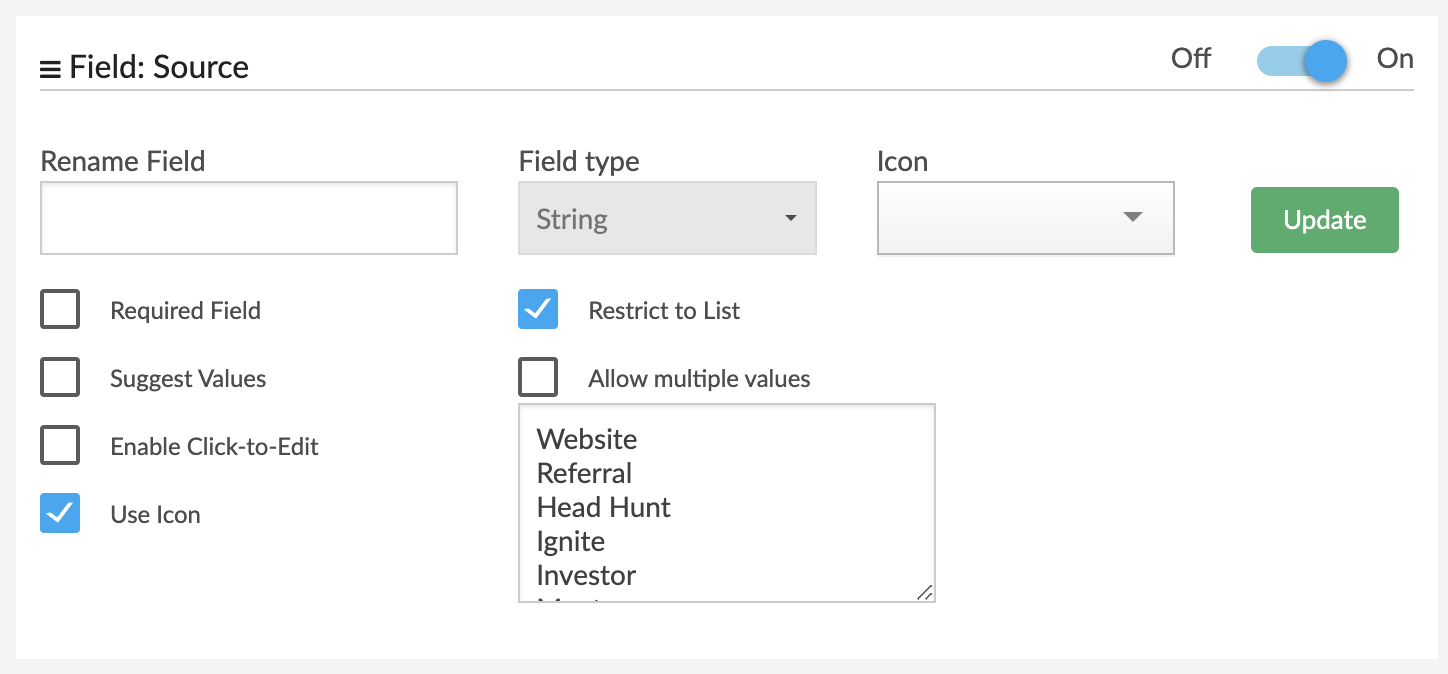
On the customisation screens you can configure each field on the entry forms in the following ways:
-
Turn the field on/off
-
Rename/Alias the field
-
Require the field to be entered
-
Turn on auto-suggestions
-
Restrict the entries to a pre-defined set of values that will become a drop-down field
Certain types of interactions are not part of the input fields for a Candidate or Role but nevertheless customisable.
These can be found under the “Dropdown Fields” item in the “Customisation” menu.
Each of these types represents a list of subtypes defined by a Name and a Comment/Description field.
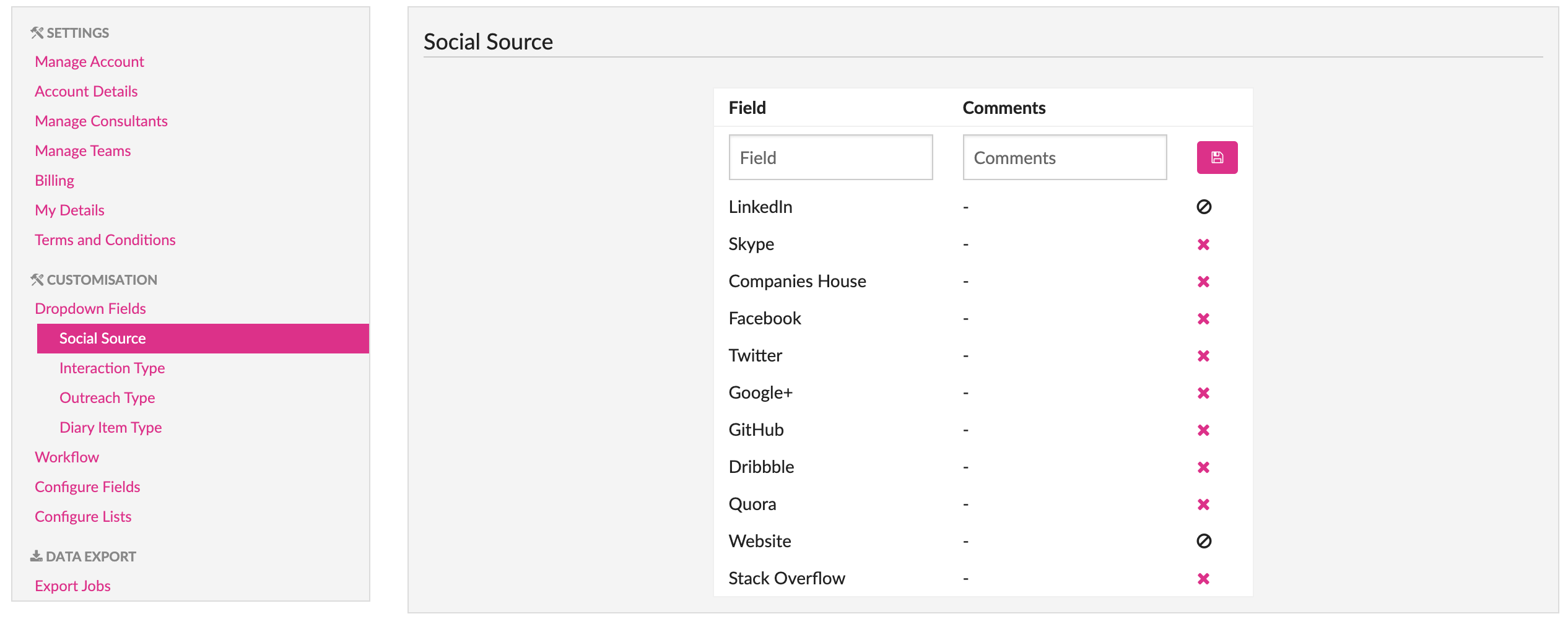
Social Sources represent the types of Social Media Profiles that can be attached to a Candidate profile.
Interaction Types define the types of Interactions that can be related to a Candidate.
Similarly Outreach Types define the set of different types of outreaches that can be related to a Candidate.